Step 43 · Meta Ads and Paid Media

Meta Audiences: Broad Targeting, Custom Audiences, and Exclusions

By the Daut Labz editorial teamPublished 5 min readintermediate

The short answer

Meta Ads supports several audience approaches: broad targeting that lets the delivery system find relevant people with minimal restrictions, custom audiences built from your own data (such as customer lists or website visitors), lookalike audiences modeled on a custom audience, and exclusions that remove specific groups such as existing customers. The right mix depends on your objective and the quality of your first-party data; verify current audience options and privacy requirements in Meta's documentation before building a plan.

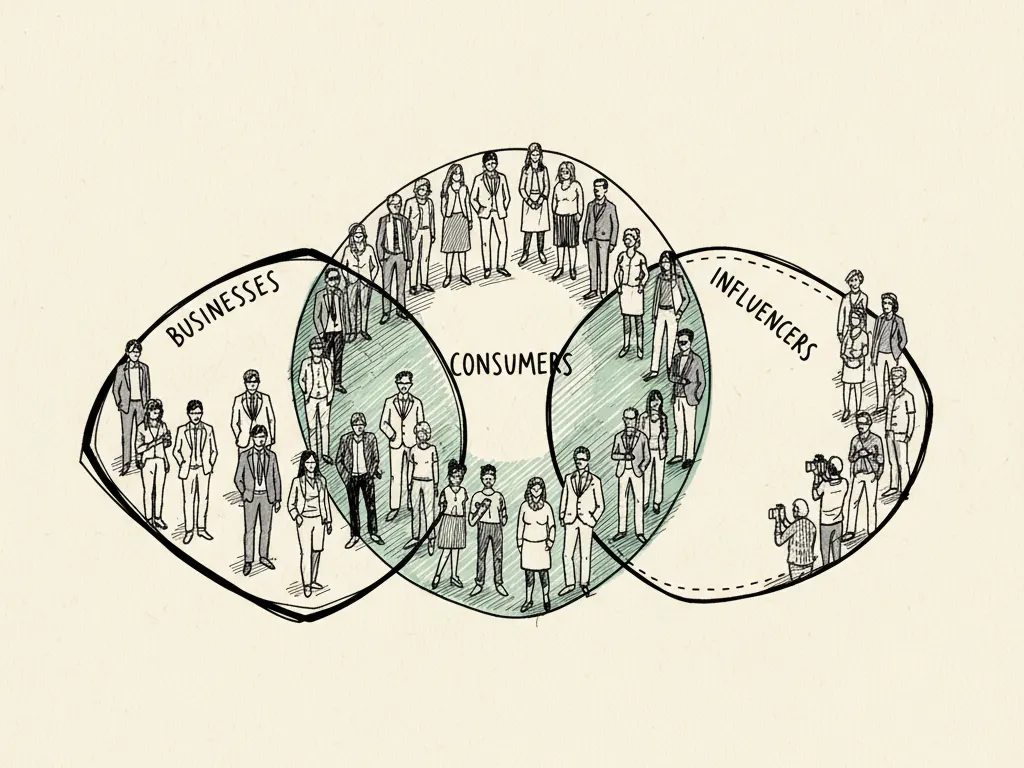
Sketched clusters of audience figures with overlapping circles and clearly marked exclusion boundaries around some groups.

Key takeaways

  • Broad targeting relies on the delivery system's optimization rather than manual interest stacking, and often performs well with good creative and a clear conversion signal.
  • Custom audiences are only as useful as the first-party data behind them: a messy customer list produces a messy audience.
  • Exclusions prevent wasted spend on people who already converted or are not eligible to buy again soon.
  • Lookalike-style audiences depend on having a sufficiently sized, well-defined source audience to model from.
  • Privacy requirements and automation behavior change over time, so verify current options directly in Meta's documentation rather than assuming.

Helpful first: Meta Campaign Objectives and Structure: Choose the Right Setup

Audience decisions are where many Meta Ads accounts either find efficiency or quietly waste budget. This article compares the audience approaches Meta supports conceptually, explains when each fits, and shows how exclusions and data quality affect outcomes more than most advertisers expect.

The main audience types, conceptually

  • Broad targeting: minimal manual restrictions beyond basics like location and age, relying on the delivery system to find people likely to convert based on the optimization event you chose.
  • Custom audiences: built from data you provide, such as a customer list, website visitor activity, or app engagement, matched against Meta's user base under its matching process.
  • Lookalike-style audiences: modeled on a source custom audience, aiming to find new people who share characteristics with your existing customers or visitors.
  • Exclusions: specific groups removed from an audience, such as recent purchasers or existing clients who shouldn't see an acquisition-focused ad.

Comparing broad and custom-audience approaches

When broad targeting vs. custom-audience targeting tends to fit
SituationLikely better fit
New account, little historical dataBroad targeting with a clear conversion event
Established customer list with consistent dataCustom audience for retention or lookalike-style prospecting
Launching a new product to existing fansCustom audience of past purchasers or engaged visitors
Protecting recent purchasers from repeat acquisition adsExclusion of a recent-purchase custom audience

Why first-party data quality matters

A custom audience built from a customer list is only as good as that list. Duplicate entries, outdated emails, or a list that mixes genuinely different customer types (for example, one-time buyers and long-term subscribers) can produce an audience that doesn't represent who you actually want to reach. Before building audiences from your own data, check for basic hygiene: consistent formatting, recent activity, and a clear definition of who belongs on the list and why. The same applies to website-based audiences, which depend on your pixel or Conversions API events firing accurately and matching defined windows.

Exclusions and existing customers

Excluding existing customers from acquisition-focused campaigns prevents you from spending acquisition budget on people who have already bought, unless your goal is specifically a repeat-purchase or loyalty message. A simple, commonly useful structure is to maintain a rolling custom audience of recent purchasers and exclude it from top-of-funnel campaigns, while a separate retention campaign targets that same group with a different message. This keeps budgets honest about what each campaign is actually trying to achieve.

An audience-planning worksheet

Audience-planning worksheet for a hypothetical account
  • List every objective you're running and the audience each one actually needs
  • Check first-party data sources (customer lists, website events) for basic hygiene and recency
  • Decide which existing-customer groups should be excluded from acquisition campaigns
  • Confirm minimum audience size requirements for custom and lookalike-style audiences in your account
  • Document consent and data-handling steps for any uploaded customer data
  • Set a review date to refresh custom audiences so they don't go stale

Common mistakes

  • Assuming granular interest-based targeting offers more precision than the platform actually supports today, rather than verifying current options.
  • Uploading an unclean customer list and expecting a high-quality audience to result.
  • Forgetting to exclude recent purchasers from acquisition campaigns, wasting budget on people who already converted.
  • Building a lookalike-style audience from a source list too small or too inconsistent to model well.
  • Never refreshing custom audiences, so they stop reflecting current customers or visitors.

When this is not the right tactic

If you have very little first-party data (a new business with few customers or little website traffic), complex custom and lookalike-style audience building may not yet be useful; broad targeting with a clear optimization event is usually more appropriate until enough data accumulates. Similarly, if your product serves a very narrow, easily defined audience with little meaningful first-party data available, heavy audience segmentation may add complexity without added accuracy.

Where to go next

After planning audiences, the logical next steps are understanding how budgets and bidding interact with audience size and the learning phase, and learning how retargeting specifically should be structured to avoid overloading the same people with repeated messages.

Frequently asked questions

What is a custom audience in Meta Ads?

A custom audience is an audience you build from data you provide, such as a customer list, website visitor activity, or app engagement, matched against Meta's user base through its matching process.

Is broad targeting worse than detailed targeting?

Not necessarily. Broad targeting relies on the delivery system's optimization toward your chosen conversion event, and with a clear signal and good creative it often performs comparably to or better than heavily restricted targeting, especially at scale.

Why should I exclude existing customers from some campaigns?

Excluding existing customers from acquisition-focused campaigns prevents wasted spend on people who have already converted, unless the specific goal is a repeat-purchase or loyalty message aimed at that group.

How clean does my customer list need to be before uploading it?

It should be reasonably current and consistently formatted, with duplicate or clearly invalid entries removed, since messier data reduces match quality and the usefulness of the resulting audience.

Does Meta guarantee precise demographic or interest targeting?

Targeting capabilities and available options change and vary by account and region. Always verify current features and limitations in Meta's own documentation rather than assuming a specific capability exists.

Sources

Related guides

A marketer studying customer notes on a corkboard with a magnifying glass highlighting meaningful buying signals.

Start Here: Marketing Foundations

Step 5

Define Your Ideal Customer: ICPs, Personas, and Real Buying Needs

How to build an evidence-based ideal customer profile and persona, distinguish B2B account-level criteria from individual buyer personas, and avoid stereotypes that don't actually predict buying behavior.

  • beginner
  • ICP
  • personas
5 min readbeginner
Read →
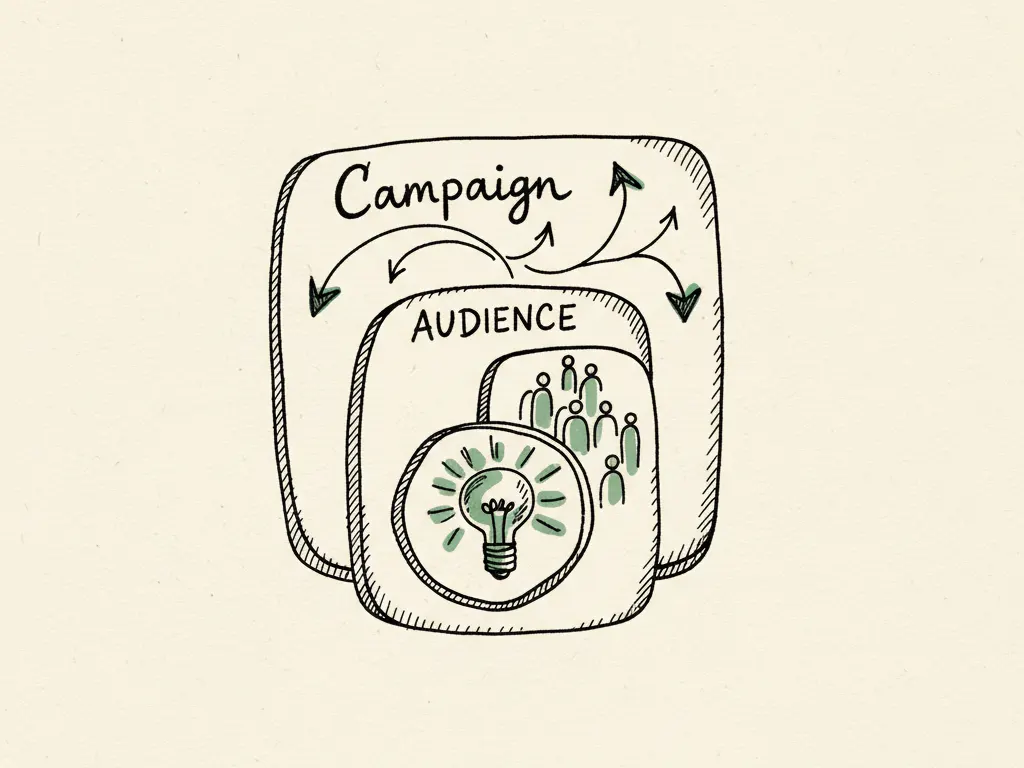
Hand-drawn nested planning cards representing campaign, audience, and creative layers stacked on top of each other.

Meta Ads and Paid Media

Step 42

Meta Campaign Objectives and Structure: Choose the Right Setup

How to match a Meta Ads objective to a real business outcome, structure campaigns and ad sets without unnecessary fragmentation, and tell reach, traffic, leads, and sales objectives apart before you build.

  • Meta Ads
  • campaign objectives
  • account structure
  • Facebook Ads
5 min readintermediate
Read →
A hand-drawn figure at a control panel guiding an automated campaign system through a set of clearly labeled input dials.

Emerging AI Advertising and Search

Step 64

Meta’s AI Automation: Advantage+ and the Decisions Marketers Still Own

A clear look at Meta's AI-driven campaign automation: what the system actually optimizes, which inputs still belong to the advertiser, and how to run a fair test of automation against a manual benchmark.

  • Meta Ads
  • Advantage+
  • AI automation
  • campaign optimization
6 min readpro
Read →