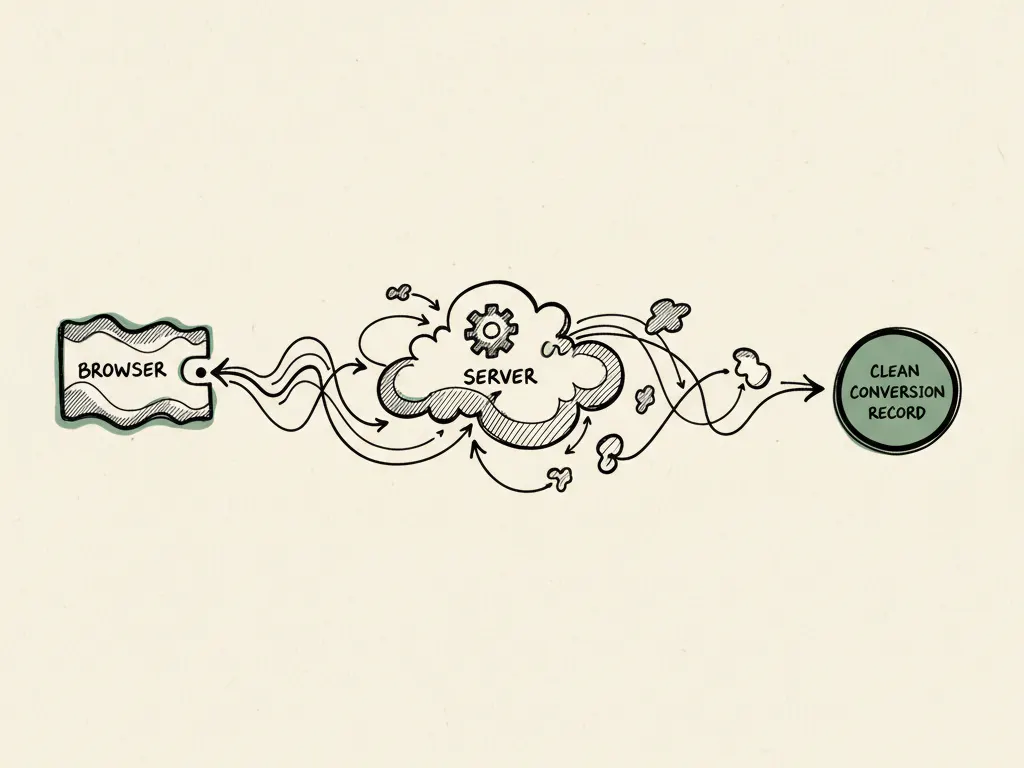
"My ads aren't converting" is a symptom, not a diagnosis. It can mean dozens of distinct things: no one is clicking, people are clicking but not buying, tracking shows zero conversions that are actually happening, or leads are coming in but turning into no sales. Before changing targeting, creative, or budget, work through a structured troubleshooting tree so you fix the actual broken layer instead of guessing.
Why you can't diagnose from one metric
A low click-through rate (CTR) could mean weak creative, or it could mean the audience is simply too broad. A high CTR with no conversions could mean a landing page mismatch, or it could mean tracking isn't registering conversions that are actually happening. The same surface symptom can have opposite root causes, which is why isolated metrics mislead and a sequential check is necessary.
- 11. Event validity: is the conversion event configured and firing correctly?
- 22. Delivery: is the campaign actually spending and reaching the intended audience?
- 33. Relevant clicks: are the people clicking plausible buyers, or low-intent traffic?
- 44. Message and offer match: does the landing page match what the ad promised?
- 55. Landing page behavior: do visitors engage, or bounce immediately (check load speed, mobile layout)?
- 66. Form quality: is the form too long, unclear, or technically broken?
- 77. Sales response: are converted leads being followed up quickly and well?
Layer 1: Event validity
Before anything else, confirm the conversion event you're measuring against is set up correctly and firing when it should. Use Meta's event testing tools to fire a test conversion and confirm it's received. A campaign showing 'zero conversions' is sometimes a tracking failure, not a performance failure, and chasing creative or targeting changes won't fix a broken pixel or Conversions API event.
Layer 2: Delivery
Check whether the campaign is actually spending its budget and reaching people. Very low delivery can indicate an audience that's too narrow, a bid or budget that's uncompetitive for the targeting chosen, or an ad under review or disapproved. If delivery is healthy but results are still poor, move to the next layer.
Layer 3: Relevant clicks
Look at who is clicking, not just how many. A high volume of clicks from an audience that doesn't match your actual buyer profile (for example, broad targeting pulling in low-intent traffic, or creative that attracts clicks without conveying the real offer, like clickbait-style hooks) can produce clicks that were never going to convert regardless of what happens downstream.
Layer 4-5: Message match and landing page behavior
Check whether the landing page headline and content match the ad's promise within the first screen. A mismatch (ad promises a discount, landing page shows generic homepage content) causes visitors to bounce immediately, which you can often see in very short average time on page or high bounce rate. Also check basic technical health: page load speed on mobile, whether the page renders correctly on common devices, and whether the call to action is visible without excessive scrolling.
Layer 6: Form quality
If visitors reach the form but don't submit, check form length (every additional field typically reduces completion), unclear instructions, technical errors (an unsubmittable form on certain browsers), and whether the value of completing the form is clear at that point in the page.
Layer 7: Sales response
If leads are submitting but not converting to sales, the campaign may be working exactly as intended, and the problem is downstream. Check response time (how quickly sales contacts new leads), response quality, and whether leads were actually a fit for the offer in the first place.
Troubleshooting tree (your deliverable)
When more spending makes things worse
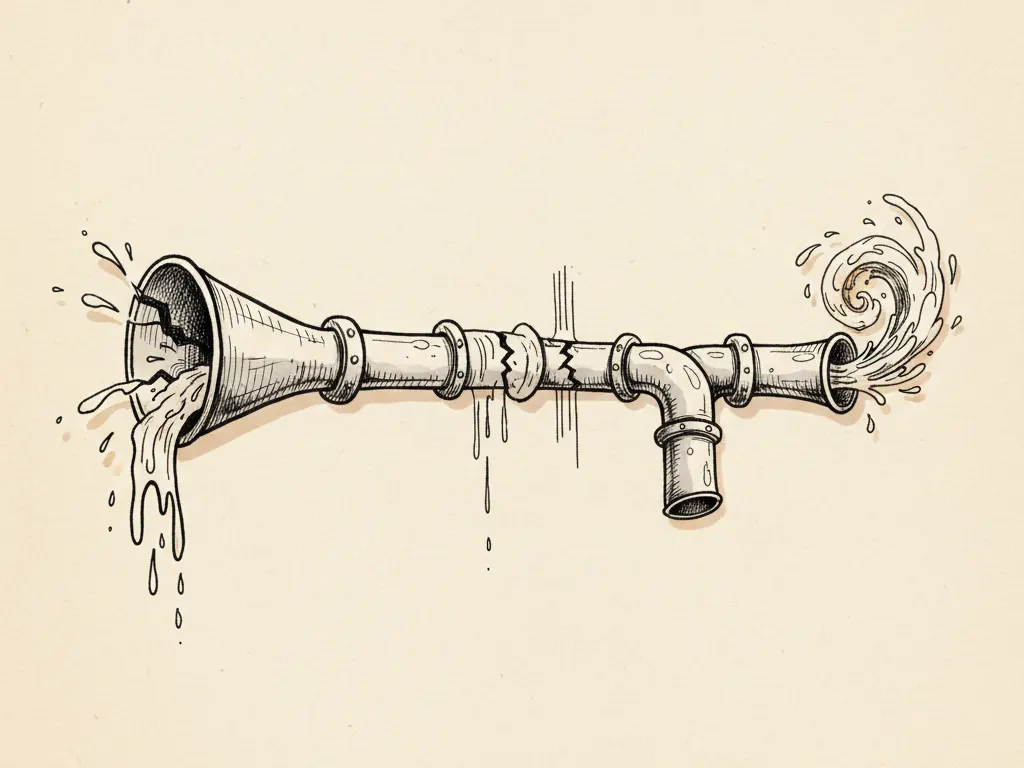
If the pipeline has a broken step, for example a nine-field form or slow follow-up, increasing ad spend simply sends more traffic into the same leak, raising total cost without improving the conversion rate. Fixing the broken layer first, then scaling spend, is nearly always more efficient than scaling a system with a known defect.
Common mistakes
- Blaming targeting or creative before confirming tracking is even working correctly.
- Judging a campaign's success purely by click-through rate without checking what happens after the click.
- Increasing budget to 'fix' low conversions when the real issue is downstream (page, form, or sales response).
- Comparing conversion rate across campaigns with different offers or audiences as if they were equivalent.
- Making multiple changes (creative, targeting, budget, landing page) at once, making it impossible to know what fixed or worsened performance.
When this troubleshooting tree is not the right tactic
If a campaign is brand new (less than a few days old or still in early delivery optimization) or has spent very little, you may not yet have enough data to diagnose anything; wait for a meaningful sample before running this full tree. Likewise, if you've already identified a confirmed cause (for example, a known outage in your tracking setup), you don't need the entire sequence, just fix the known issue and recheck.
Next steps
Work through the layers in order for your underperforming campaign, documenting what you find at each step before moving to the next. This creates a record you can reuse the next time performance dips, instead of re-debating the same assumptions from scratch.