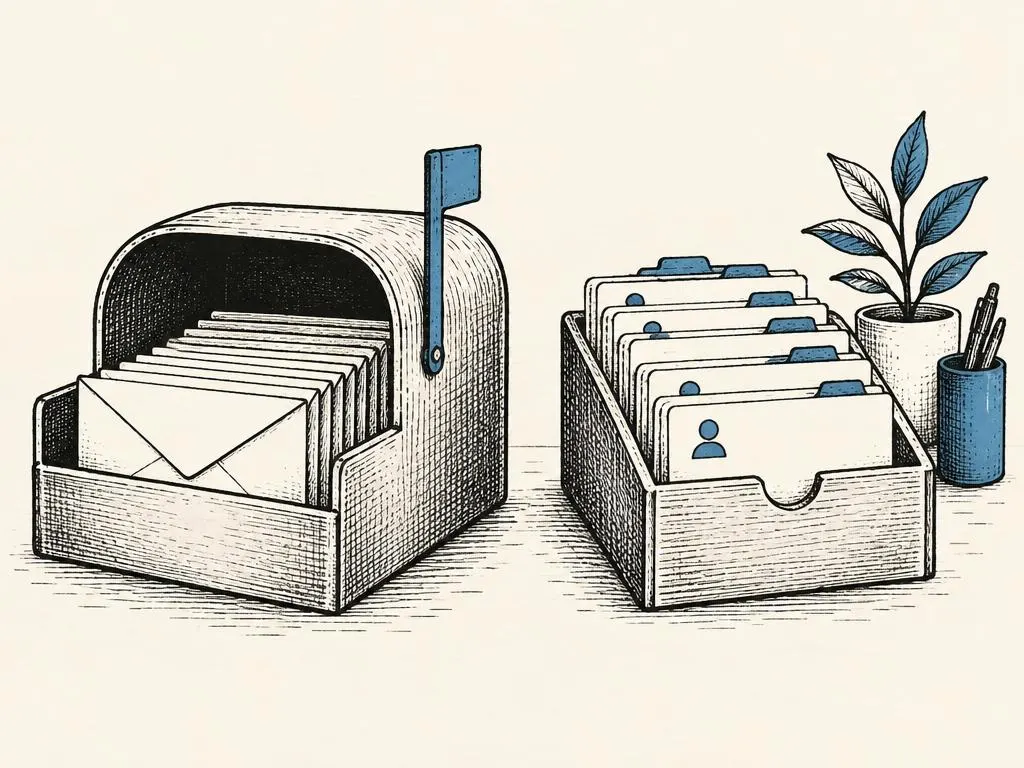
Email automation (pre-written emails that send automatically based on a subscriber's behavior or timing, rather than being sent manually one at a time) is one of the highest-leverage tools in marketing because it works while nobody is watching. The problem is that most automated sequences are built backwards: someone writes five promotional emails, schedules them a few days apart, and calls it a 'nurture sequence.' That approach ignores the two questions that actually determine whether automation helps or annoys: why did this sequence start, and when should it stop?
Start with triggers and exit conditions
A trigger is the event that starts a sequence: someone subscribes to a list, downloads a lead magnet, abandons a cart, or goes 90 days without opening an email. An exit condition is the event that should stop the sequence early: the person makes a purchase, replies asking a question, unsubscribes, or marks an email as spam. Many automation tools default to running a sequence to completion regardless of what the subscriber does in between, which is how a store keeps emailing 'still thinking it over?' to someone who already bought.
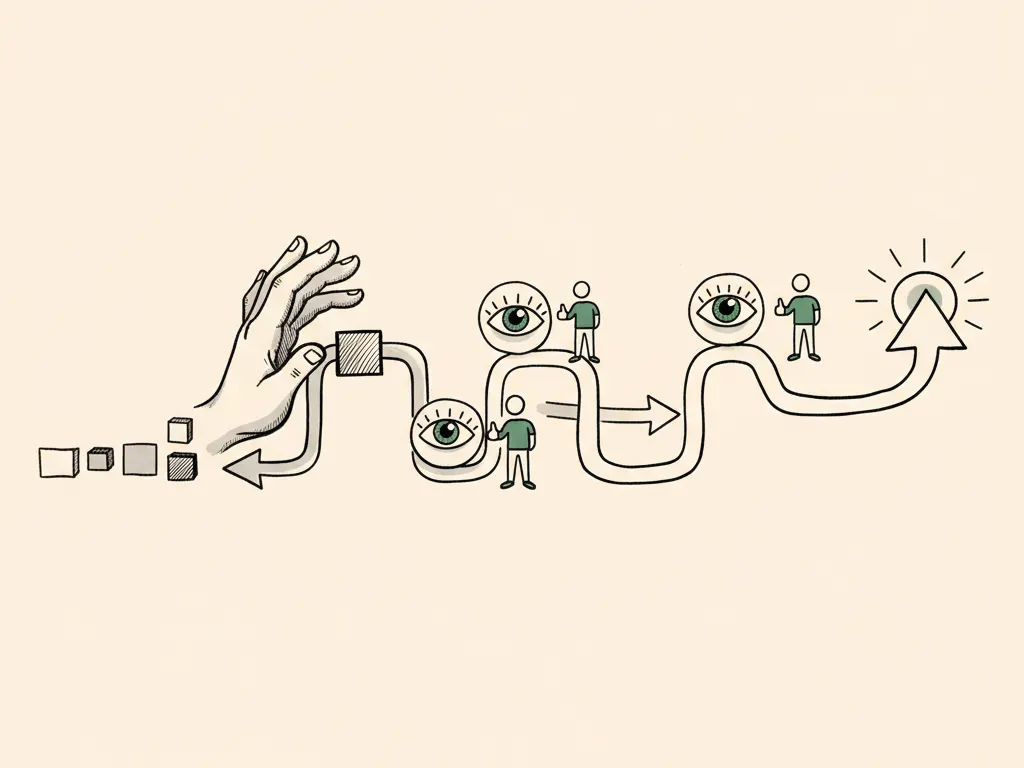
Before writing a single email, map out the trigger and every reasonable exit condition for that sequence. If someone replies, books a call, or converts, the automation should stop or branch, not keep broadcasting.
- 1Define the trigger: the specific action or date that starts this sequence
- 2List exit conditions: purchase, reply, unsubscribe, complaint, or goal met
- 3Map the real question or need at each stage of the sequence
- 4Write each email to answer one need, with one clear next step
- 5Set frequency and suppression rules so people are not double-emailed
- 6Decide what you'll measure: clicks, replies, conversions, complaints
Writing a welcome sequence
The welcome sequence triggers when someone subscribes, whether through a signup form, a lead magnet, or a first purchase. Its job is not to sell immediately. New subscribers are curious, not yet convinced, so the first email should set expectations (what they'll get, how often) and deliver one genuinely useful thing, such as the resource they signed up for or a quick orientation. Later emails in the sequence can introduce the business's story, address common questions, and only then make a specific, low-pressure offer.
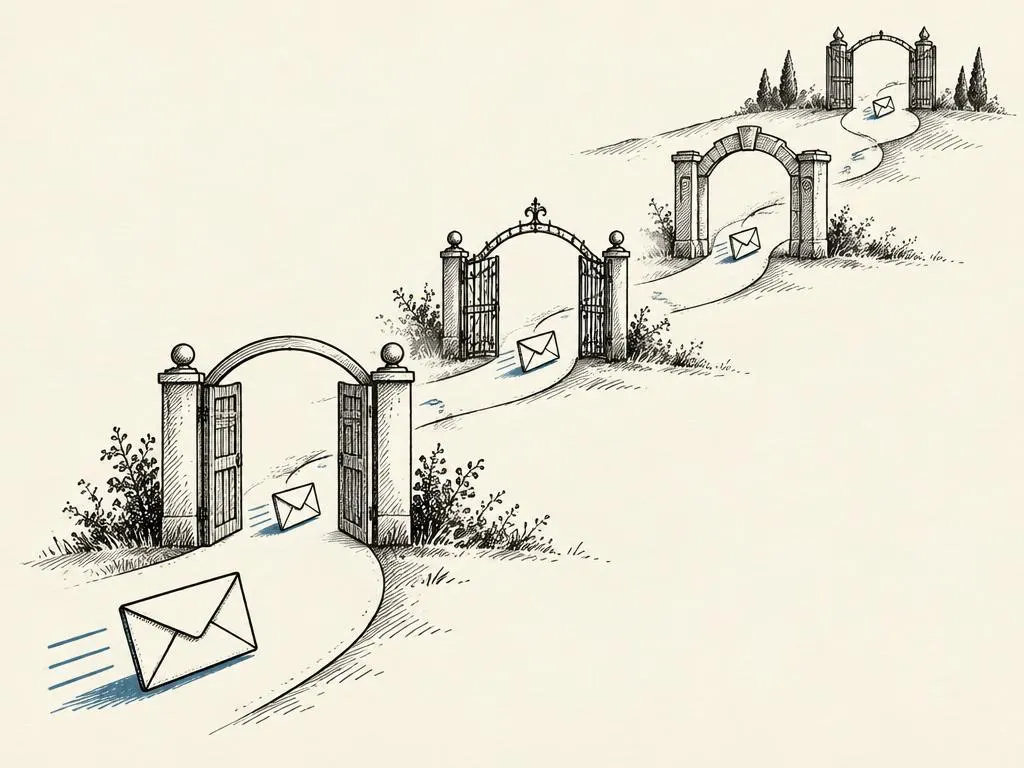
A five-email welcome sequence, with timing and branching
Nurturing by real customer needs
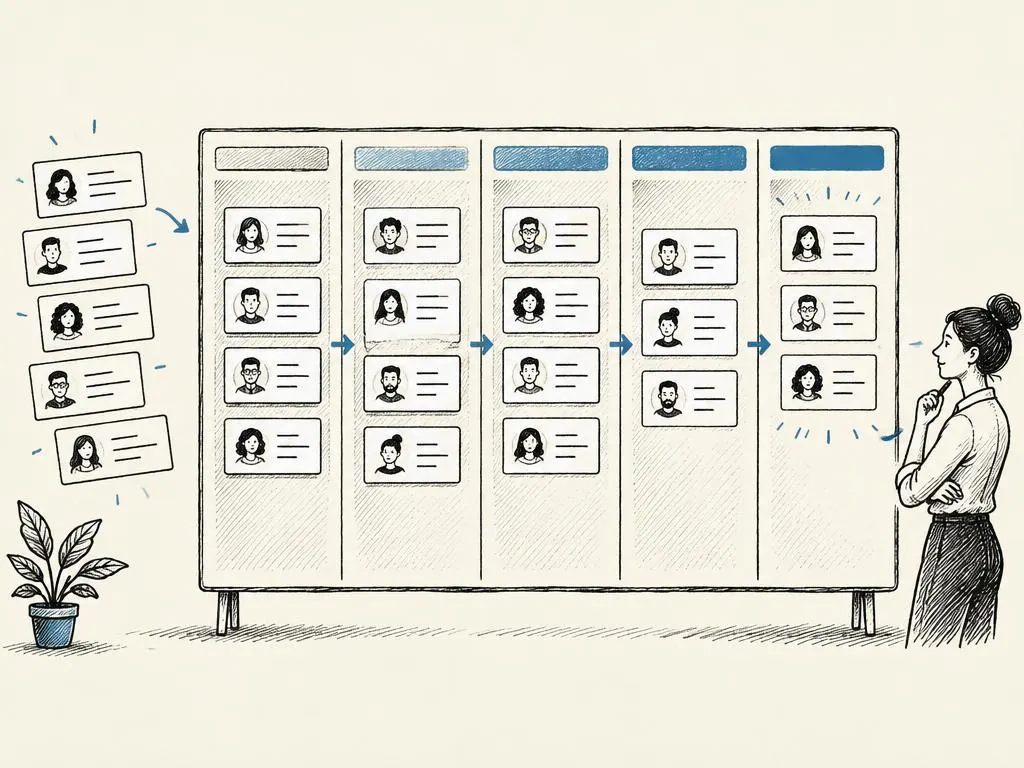
A nurture sequence (ongoing emails designed to build trust and move a subscriber toward a decision over time, typically for considered or higher-priced purchases) should be organized around the actual questions a prospective customer has, not an arbitrary content calendar. For a B2B software trial, that might mean addressing setup difficulty, integration concerns, and pricing clarity, in the order prospects usually ask about them, rather than five generic 'did you know' feature emails.
A practical way to find real needs is to review sales call notes, support tickets, and reply-to-email responses for recurring objections and questions. Each nurture email can then answer one specific concern with evidence (a short explanation, a relevant example, or a link to documentation), ending with one next step, such as booking a demo or replying with a question.
Frequency and suppression
Frequency is how often a contact receives emails across all active sequences combined, not just within one sequence. A common failure is a subscriber being in a welcome sequence, a re-engagement sequence, and a weekly newsletter at the same time, receiving four emails in two days. Suppression rules prevent this by excluding contacts from certain sends: for example, suppressing anyone in an active welcome sequence from also receiving that week's broadcast newsletter, or suppressing anyone who purchased in the last 48 hours from an abandoned-cart email.
Re-engagement sequences deserve particular care. Their trigger is usually a period of inactivity (for example, no opens or clicks in 90 days), and their job is to ask for a clear decision: stay subscribed at a lower frequency, or be removed. Continuing to email an unengaged list indefinitely increases spam complaints and can damage deliverability (your ability to reach the inbox at all) for your entire sending domain.
Evaluating sequences: beyond opens
Open-rate tracking relies on a tracking pixel loading, and privacy features in major email clients now pre-fetch images for many users, inflating open rates in ways that don't reflect real attention. Treat opens as a rough directional signal at best. The metrics that better reflect whether a sequence is working are click-through rate to a meaningful page (not just any link), reply rate for sequences designed to start a conversation, conversion rate (purchase, booking, signup) tied to the sequence's actual goal, unsubscribe rate, and spam complaint rate.
Your five-email sequence deliverable
Use this structure to draft any new automated sequence before building it in your email platform.
- Email 1: trigger event, immediate value delivered, expectations set
- Email 2: the single most common question or objection at this stage
- Email 3: trust-building content (story, proof, or honest limitation)
- Email 4: a specific, time-bound next step or offer
- Email 5: final touch with a clear branch (convert, reply, or move to lower frequency)
- Document every exit condition and the suppression rule for overlapping sequences
Common mistakes
- Running a sequence to completion even after the subscriber has already converted or replied.
- Writing nurture emails from a content calendar instead of real customer questions and objections.
- Treating open rate as the main success metric despite known tracking inaccuracies.
- Letting re-engagement sequences run indefinitely instead of asking for a clear opt-in or opt-out decision.
- Allowing multiple sequences to overlap without suppression rules, overwhelming new subscribers.
When this is not the right tactic
Heavy automation is not the right starting point for a very small list (for example, under a few hundred contacts) where a human can personally follow up with each new lead; a manually sent, personal email often outperforms a templated sequence at that scale. Automation also is not a substitute for fixing an underlying offer problem: if a welcome sequence has strong clicks but near-zero conversion, the issue is usually the offer or the landing page, not the email sequence itself, and that should be diagnosed before writing more emails.