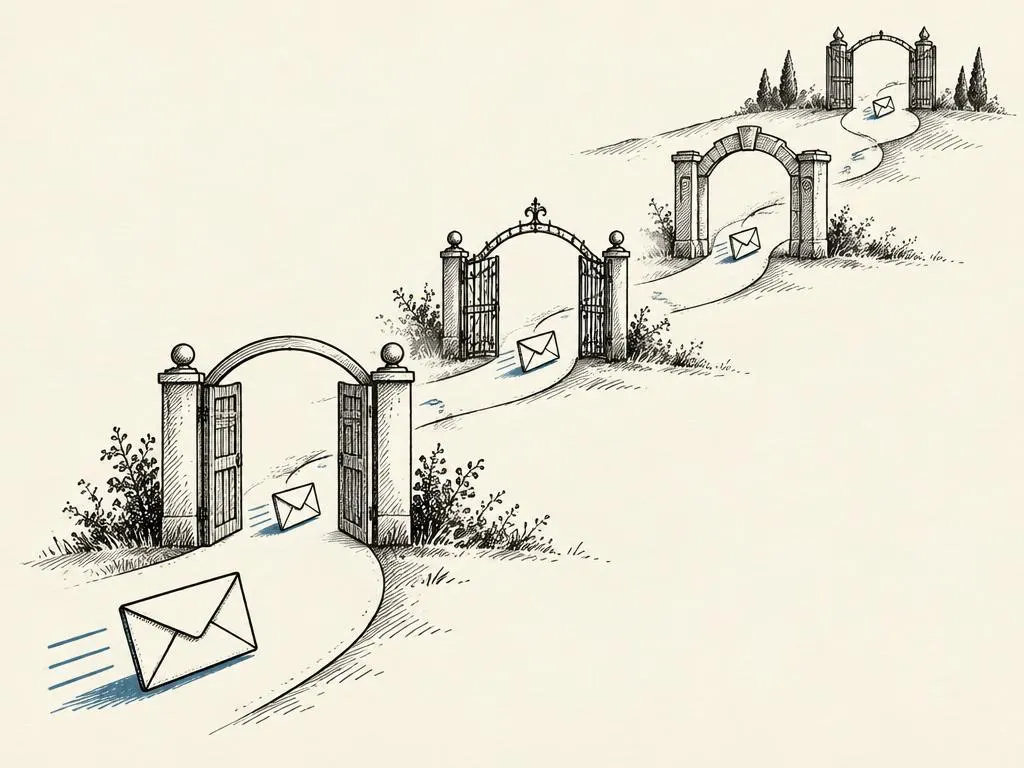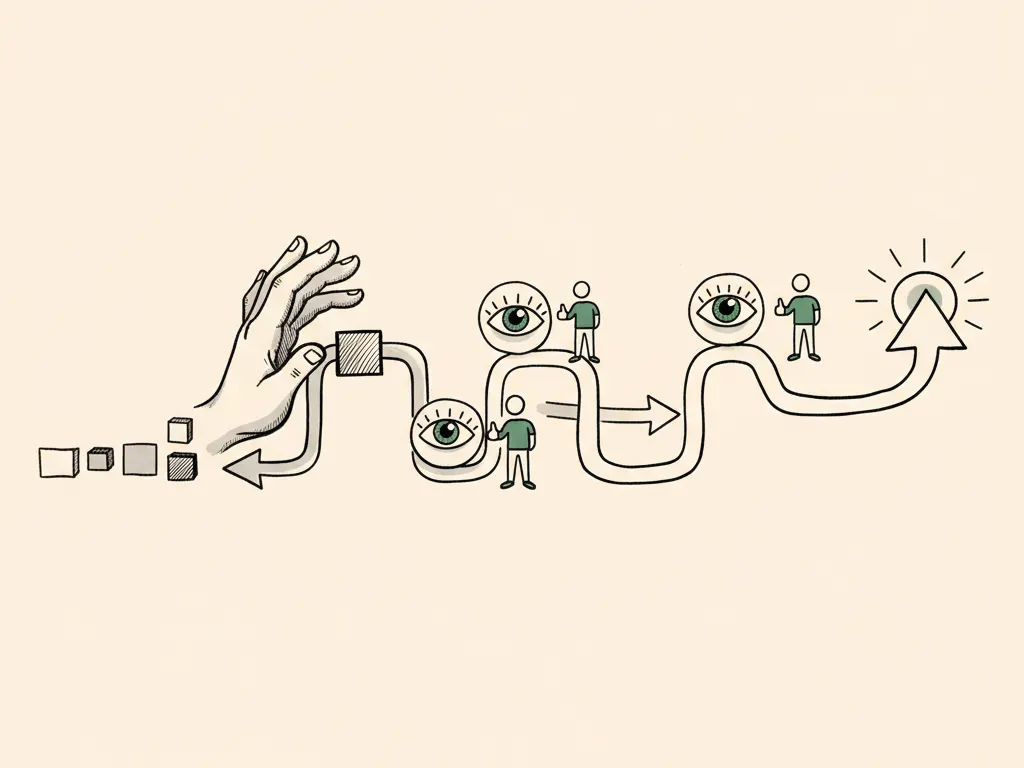
Automation is attractive because it removes repetitive work: tagging leads, drafting weekly reports, scheduling follow-up emails. The risk is not automation itself, it is automation that runs unreviewed in places that matter, publishing a claim nobody checked, sending a message to the wrong segment, or spending budget based on a bad trigger. This lesson walks through how to design automation that saves real time while keeping a person in charge of anything risky.
Start with low-risk, repetitive tasks
The safest way to build automation habits is to start where mistakes are cheap to catch and fix. Good starting points include internal reporting summaries, lead tagging based on form data, reminder emails to your own team, or draft generation that a person reviews before anything goes out. Poor starting points for a first automation include anything that publishes content publicly, sends to your full customer list, or spends money without a cap and review.
| Trait | Good starting point | Approach carefully |
|---|---|---|
| Audience | Internal team or a small test segment | Full customer list or the public |
| Reversibility | Easy to undo (a draft, an internal tag) | Hard to undo (a sent email, a live ad, a published page) |
| Money involved | None | Ad spend, discounts, or refunds |
| Review step | Can be checked before anything external happens | Risk of running before anyone sees it |
Mapping a workflow before you build it
Before turning on any automation, write down five things: the trigger (what starts it), the data inputs it reads, the output it produces, the review stage before that output has any external effect, and what happens if something fails partway through. Skipping the review stage or the failure plan is the most common way automation causes damage.
- 1Trigger: the specific event that starts the automation (a form submission, a schedule, a status change)
- 2Inputs: the exact data it reads, and where that data comes from
- 3Output: what it produces (a draft, a tag, a sent message, a report)
- 4Review stage: who checks the output, and what they check for, before it has any external effect
- 5Failure handling: what happens if a step errors, times out, or produces an unexpected result
Permissions should match the task
A common mistake is giving an automation broad account access because it is convenient, when it only needs to read a spreadsheet or draft a document. Give each automation the minimum permission required for its specific task: read-only access where only reading is needed, draft-only output where publishing requires a separate human approval step, and no access to a payment method or ad account unless spending is genuinely part of its approved job and capped.
Logging and auditability
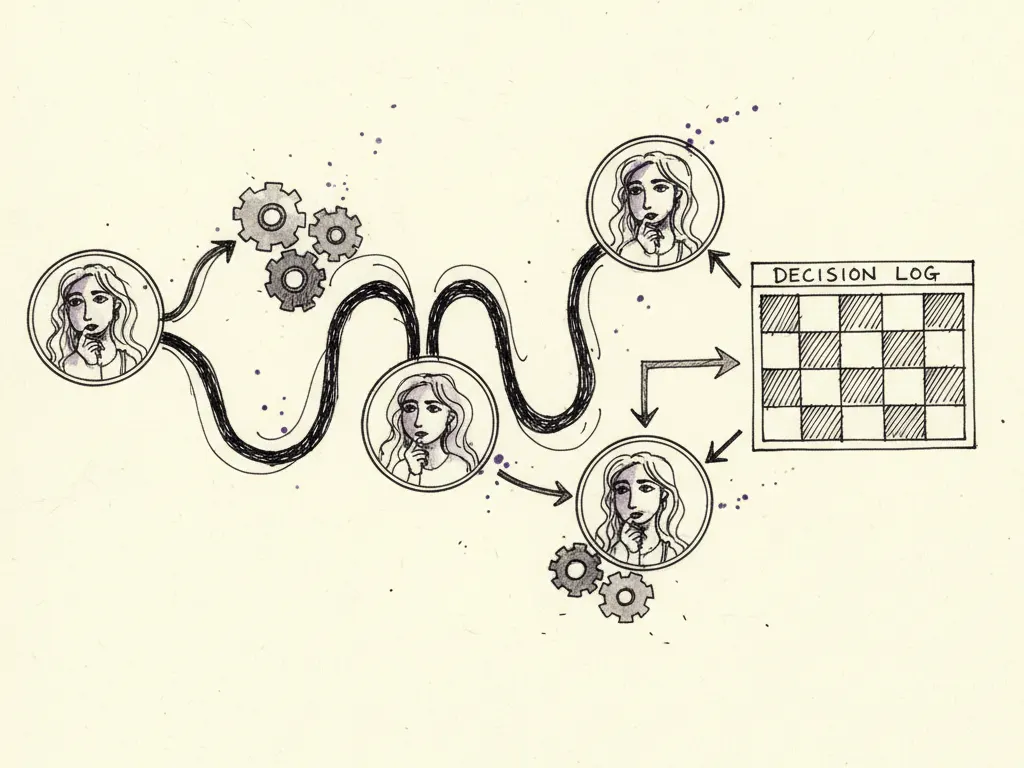
Every automation that touches customer data, sends a message, or produces a public-facing output should log what it did and when: the trigger that fired, the data it used, and the output produced. This is what allows you to answer 'what happened and why' when a customer complains about an email they shouldn't have received, or when a report looks wrong. Without a log, diagnosing an automation failure often means guessing.
Evaluating time saved against business value
Not every time-saving automation is worth building. A task that saves ten minutes a week but requires broad account access and risks a public mistake may not be worth it; a task that saves two hours a week and touches only internal drafts usually is. Weigh both sides: the time saved, and the business value or risk of what the automation actually touches, including the cost of a mistake if the review stage fails.
Your workflow specification and error-handling playbook
The deliverable for this lesson is two documents, which can be one combined sheet for a small team: a workflow specification (trigger, inputs, output, owner, review stage for each automation) and a simple error-handling playbook (what to do when a trigger misfires, when data is missing or malformed, and who to notify when an automation fails).
- Trigger, inputs, output, and review stage are written down before the automation runs
- The task is low-risk (internal, reversible, no spend) or has an explicit human approval gate if not
- Permissions granted match the task exactly, with no unnecessary access to spend or publishing
- Every run is logged with trigger, data used, and output produced
- A documented failure-handling step exists for missing data, errors, or unexpected output
- A named person reviews the automation's output on a set schedule, not only when something looks wrong
Common mistakes
- Letting automation publish public content or claims without a human review step.
- Allowing an automation to spend ad budget without a cap, trigger validation, and review.
- Granting broad account or payment access for a task that only needed to read data.
- Skipping the failure-handling plan, so a bad trigger or malformed data silently causes damage.
- Measuring success only by time saved, without weighing the business value and risk of what was automated.
When this is not the right tactic
If a task happens rarely, requires nuanced judgment every time (such as handling a sensitive customer complaint), or the cost of a mistake is high and hard to reverse (publishing a public claim, sending to your full list), it is usually not worth automating yet, even with a review stage, because the setup cost may exceed the benefit for an infrequent, high-judgment task. Start automation with high-frequency, low-risk tasks and expand only after the workflow has run reliably for a while.
Where to go next
Once you have safe automations running for individual tasks, connect their outputs and logs into the broader operating map described in the lesson on what an AI-powered growth marketing system actually does, so automation supports the whole system rather than isolated stages.