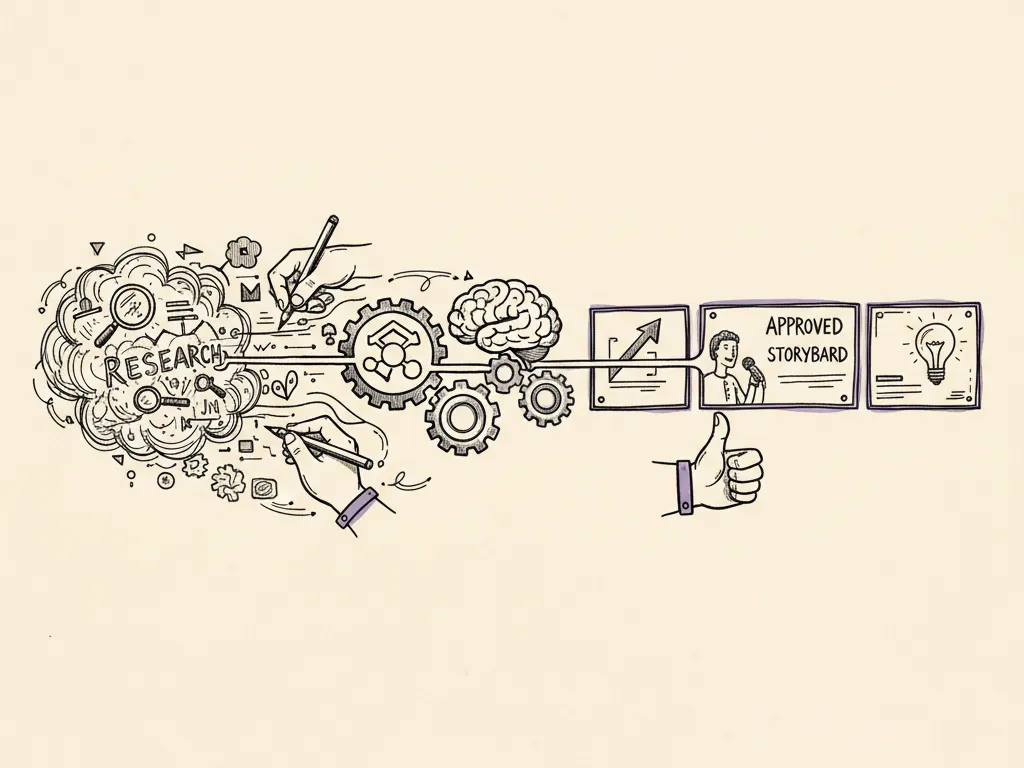
'Marketing agent' has become a loose term for everything from a simple AI writing assistant to a fully autonomous system that plans, executes, and reports on campaigns with minimal human input. Most businesses today are nowhere near the fully autonomous end of that spectrum, and this article is deliberately practical about that: it's a framework for designing agent-assisted workflows that keep a human in control of anything sensitive, with a full record of what the system did and why.
What a marketing agent actually is, for this framework
For this article, a marketing agent is an AI system given a defined task, some access to tools or data, and a degree of autonomy to take multiple steps toward completing that task, for example drafting a week of social captions, checking a list of pages for broken links, or flagging underperforming ad sets. It is not a general assistant you chat with for ideas; it is a process with inputs, defined actions, and outputs that need to be controlled. The more autonomy and tool access an agent has, the more deliberate the controls around it need to be.
Step one: define the task and its limits
Start every agent workflow by writing down, in plain language, exactly what the agent is allowed to do and what it is not allowed to do. A narrow, well-bounded task (e.g., 'draft three email subject line variants from this approved brief') is far safer and easier to review than a broad one (e.g., 'manage our email marketing').
- 1Write the specific task in one sentence, with explicit scope
- 2List the exact inputs the agent is allowed to read
- 3List the exact tools or systems the agent is allowed to call
- 4State what actions require human approval before taking effect
- 5Define what 'done' looks like and how success will be judged
Step two: ground inputs and restrict tool permissions
Feed the agent verified, specific data, a real brief, real product information, real past performance data, rather than letting it operate on vague instructions where it might fill gaps with invented information. Separately, restrict tool and system access to only what's needed for the defined task: an agent drafting captions does not need permission to publish directly to a live account, and an agent analyzing ad performance does not need permission to change budgets.
The permission principle
Grant the minimum access necessary for the task, and treat any request to expand an agent's permissions as a decision requiring its own review, not an automatic default. This mirrors standard security practice (the principle of least privilege) applied to marketing operations.
Step three: human review before sensitive actions
Define specific checkpoints where a human must approve before the workflow continues. Sensitive actions include publishing content publicly, sending email to a live list, changing ad budgets or bids, modifying website content, and anything involving customer data.
Step four: handle errors and define rollback
Before deploying any agent workflow, decide what happens when something goes wrong: the agent calls a tool incorrectly, produces an output far outside expected bounds, or a human later discovers an error after approval. Define a rollback procedure, how a published post is taken down, how a sent email is addressed, how a budget change is reversed, as part of the workflow design, not as an improvised response after an incident.
Step five: log every decision for audit
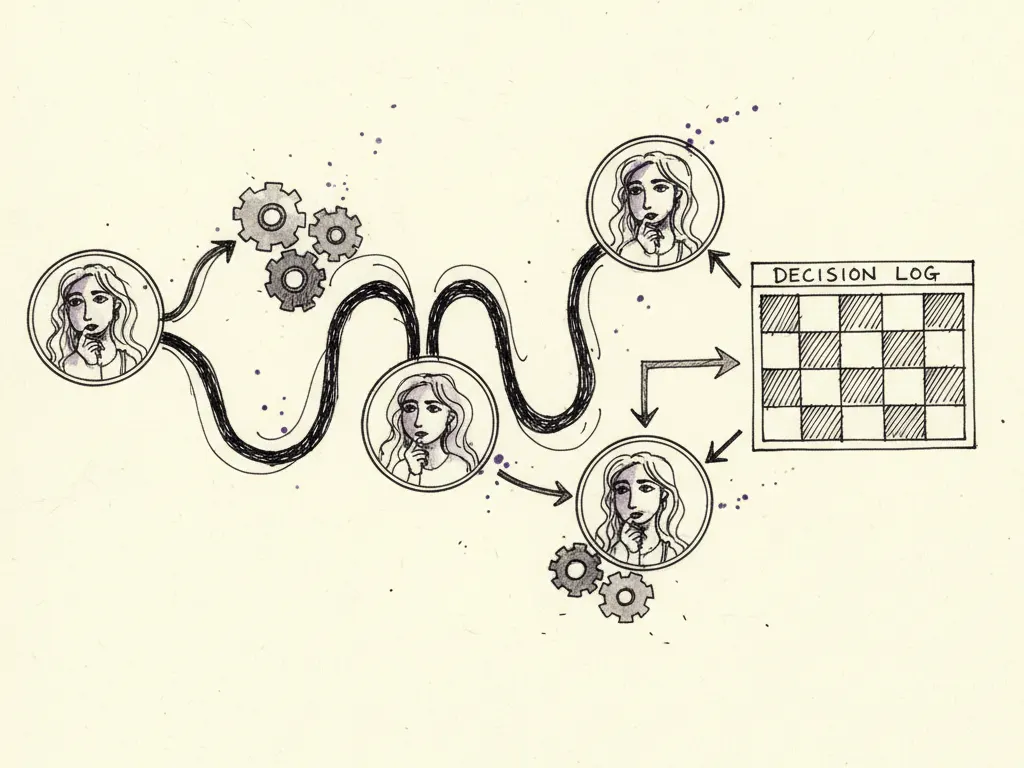
Maintain a decision log recording what the agent proposed, what data it used, which human reviewed it, what was approved or rejected, and when each action actually took effect. This audit trail matters for accountability, for diagnosing errors after the fact, and for demonstrating compliance if your sensitive actions involve customer data or regulated claims.
| Timestamp | Task | Agent action | Reviewer | Decision | Live action taken |
|---|---|---|---|---|---|
| 2026-10-06 09:14 | Draft weekly email subject lines | Proposed 5 subject line variants | J. Lee | Approved 3, rejected 2 (overstated claim) | 3 variants queued for A/B test |
| 2026-10-06 11:02 | Flag underperforming ad sets | Flagged 2 ad sets below CPA target | M. Osei | Confirmed; approved pause | 2 ad sets paused manually |
Step six: measure against a simpler baseline
Before expanding an agent's role, compare its output and results against what a simpler, non-agent process (a template, a checklist, a human doing the task directly) would have achieved. An agent workflow is only worth the added complexity and review overhead if it demonstrably saves time or improves quality over that simpler baseline.
Your workflow specification checklist
- Task and scope defined in one clear sentence
- Allowed inputs and data sources explicitly listed
- Tool and system permissions restricted to the minimum needed
- Sensitive actions identified and routed through mandatory human approval
- Error handling and rollback procedure defined before launch
- Every decision and action logged with timestamp and approver
- Baseline comparison planned to judge whether the agent adds real value
Common mistakes
- Giving an agent broad tool access 'to be safe for future tasks' instead of the minimum needed now.
- Skipping human review on an action because the agent 'usually gets it right'.
- No rollback plan, so an error discovered after the fact is harder and slower to fix.
- Describing a pilot or prototype agent system as a fully deployed production capability.
- Never comparing the agent workflow against a simpler baseline, so its actual value is unknown.
When this is not the right tactic
If a task is simple, low-frequency, or already fast to do manually, building an agent workflow with all these controls is likely more overhead than it's worth; a checklist or template may serve better. This framework is also not appropriate if your organization lacks the capacity to actually staff the human review checkpoints, an agent workflow with review steps nobody has time to perform properly is worse than a slower, fully manual process.
Getting started
Pick one narrow, low-risk task, write its specification using the checklist above, run it for a month with full logging, and compare results against your current manual process before considering any expansion of scope or permissions.