On-page SEO refers to everything you control directly on a page that affects how well it can be understood and used, by both readers and search engines. Unlike technical SEO (which deals with crawling and indexing) or off-page factors (like links from other sites), on-page elements, titles, headings, URLs, images, and the body content itself, are entirely within your control and can be improved today without special tools.
Titles and H1s that match intent
The page title (shown in search results and browser tabs) and the H1 (the main on-page heading) should both clearly reflect what the page is about and what the searcher is trying to accomplish. A title like 'Services' tells a searcher nothing; a title like 'Catch-Up Bookkeeping for Small Businesses' matches a specific need. The title and H1 do not need to be identical, but they should agree on the page's core topic rather than pulling in different directions.
Building a clear heading hierarchy
Headings (H1, H2, H3) should nest logically: one H1 per page describing the overall topic, H2s for major sections, and H3s for subsections within an H2. This hierarchy helps readers scan the page to find the part they need, and it helps search engines understand how the content is organized. Skipping levels (jumping from H1 straight to H3) or using headings purely for visual styling rather than structure makes the page harder to parse for both audiences.
- 1H1: the page's single main topic, matching the title's intent
- 2H2: each major section or subtopic within that page
- 3H3: specific points or steps within an H2 section, used only where needed
Choosing stable, descriptive URLs
A good URL is short, uses words rather than ID numbers where practical, and describes the page's topic, for example '/catch-up-bookkeeping' rather than '/page?id=482'. URLs should also be treated as stable once published: changing a URL after it has earned links or rankings requires setting up a redirect from the old URL to the new one, otherwise visitors following old links or bookmarks will hit a broken page and any accumulated signal to that address is disrupted.
Writing meta descriptions honestly
The meta description is the short summary that can appear under a page's title in search results. It does not directly control rankings, but an honest, specific description that reflects the page's actual content can influence whether someone chooses to click. Avoid generic, repeated descriptions across many pages, and avoid describing content the page does not actually deliver, since a mismatch between the description and the page frustrates visitors and increases the chance they leave immediately.
Image alt text, done properly
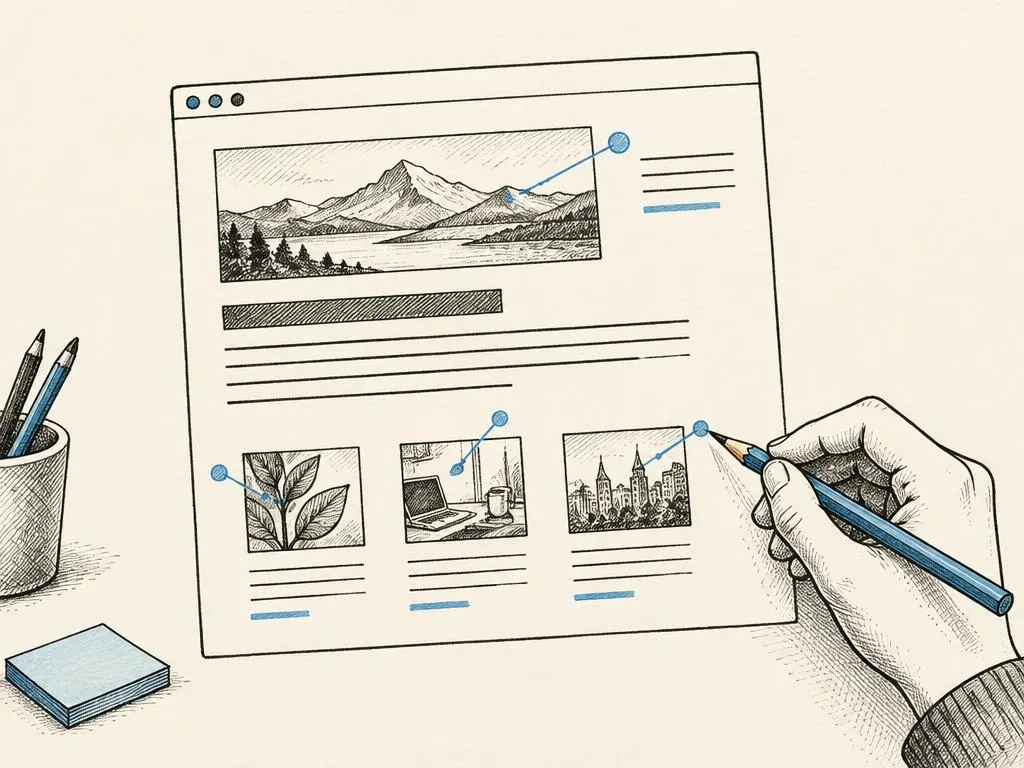
Alt text is a written description attached to an image, read aloud by screen readers and used by search engines that cannot 'see' images. Good alt text describes what the image actually shows or does, concisely and accurately, for example 'hand-drawn diagram of the bookkeeping catch-up process' rather than a generic label or a string of unrelated keywords. Alt text serves accessibility first; any SEO benefit follows from it being an accurate, genuine description, not from treating it as a place to stuff extra keywords.
Comparing an underdeveloped page with a better one
Why metadata cannot replace a substantive answer
A perfectly optimized title, heading structure, and alt text cannot compensate for a page that fails to actually answer the reader's question. Search engines and readers both ultimately evaluate whether the content itself is useful, accurate, and sufficiently thorough. Treat on-page elements as the packaging that helps the right readers find and navigate your content, not as a substitute for doing the substantive work of writing a genuinely useful page.
Your on-page SEO and publication checklist
- Title and H1 both clearly reflect the page's topic and match searcher intent
- Heading hierarchy (H1, then H2s, then H3s where needed) is logical and not skipped
- URL is short, descriptive, and intended to remain stable after publication
- Meta description accurately and specifically summarizes what the page delivers
- Every meaningful image has accurate, concise alt text describing its content or function
- The body content substantively answers the core question within the first few paragraphs
- A quick comparison against top-ranking pages confirms this page covers the topic at least as well
Common mistakes beginners make
- Writing vague, generic titles and H1s like 'Services' or 'Blog Post' instead of specific, descriptive ones.
- Using headings for visual size rather than logical structure, skipping levels inconsistently.
- Changing URLs after publication without setting up redirects, breaking existing links.
- Stuffing alt text with unrelated keywords instead of accurately describing the image.
- Polishing titles and metadata while leaving the actual body content thin or unhelpful.
When this is not the right tactic
On-page polish matters most once you already have a clear topic and a genuinely useful draft; applying this checklist to a page that has no real substance yet is premature; the priority order should be writing something genuinely useful first, then refining its on-page structure. On-page SEO also cannot fix problems rooted in technical access (a blocked or non-indexed page) or an entirely mismatched search intent, both of which need to be addressed separately.
Where to go next
After tightening the on-page elements of a page, the next layer is technical SEO: confirming the page is actually crawlable and indexable, and understanding canonical signals, redirects, and sitemaps so your well-structured pages can be found and read correctly by search engines in the first place.